
How to Play
New to ZapGames? This quick guide shows you how to find, play and enjoy thousands of free HTML5 games — right in your browser, with no download and no installation.
1. Find a game
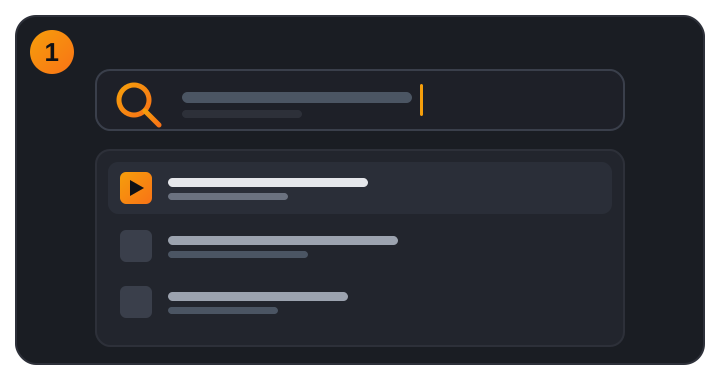
The fastest way to reach a specific game is the search bar at the top of every page. Start typing a title or keyword and matching games appear instantly.
- Search by title — type a game name or a keyword such as “racing” or “puzzle”.
- Instant suggestions — results update as you type.
- See all matches — press Enter to open the full search results page.
2. Browse by category
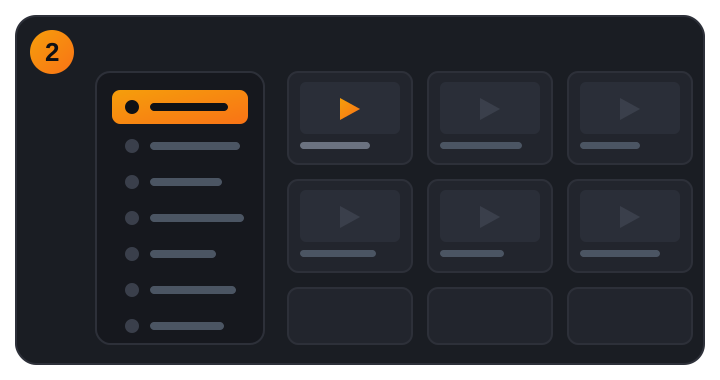
Not sure what to play? Explore by genre using the category sidebar, or open All Categories to see every collection. You can also use the top menu:
- Newest — the latest games added to the site.
- Popular — the highest-rated games loved by players.
- Random — feeling lucky? Jump straight to a surprise game.
- Categories — Action, Racing, Puzzle, .io, Sports and 50+ more.
3. Play the game
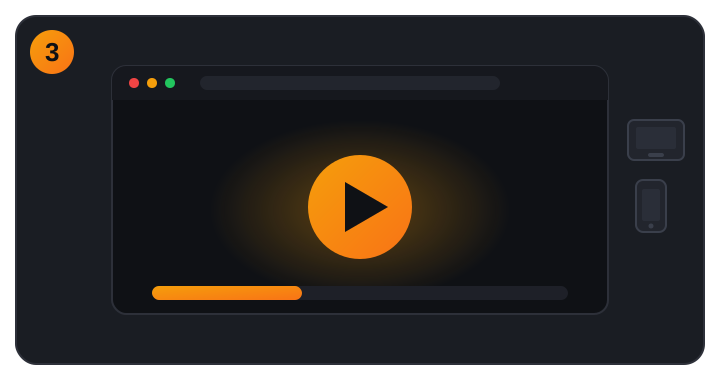
Click any game thumbnail to open its play page, then press the big Play button. The game loads directly in your browser — no download, no install, no plugins.
- Instant play — games run on HTML5, so they start in seconds.
- Fullscreen — use the fullscreen button for a bigger view.
- Mobile ready — on phones and tablets, landscape games switch to fullscreen automatically.
- Any browser — works in Chrome, Safari, Firefox and Edge.
4. Rate, favorite & comment
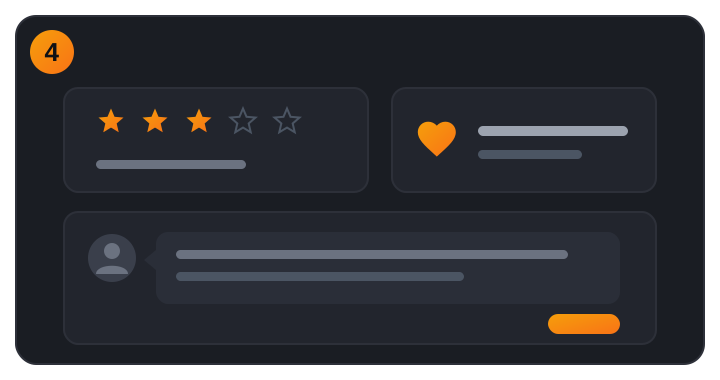
Help other players and keep track of what you love:
- Rate — give the game a star rating after you play.
- Favorite — save games to your favorites (sign in required).
- Comment — share tips and reviews with the community (sign in required).
Tips for the best experience
- Games are 100% free and safe — no account is needed just to play.
- Bookmark the site so you can jump back in anytime.
- Create a free account to save favorites and post comments.
- Trouble with a game? Refresh the page or try another browser.
Need help?
Still have a question? Visit our Contact page — we are happy to help.